
Contents
- What Is a Sıla Yolu eSIM?
- Why Choose a Sıla Yolu eSIM?
- Does Your Phone Support eSIM?
- How to Buy a Sıla Yolu eSIM (Step by Step)
- Step 1 — Choose a plan
- Step 2 — Add to cart
- Step 3 — Complete payment
- Step 4 — Receive your QR code
- eSIM Setup and Activation
- Frequently Asked Questions
- When does the Sıla Yolu eSIM activate?
- Can I keep using my own number?
- What if I run out of data?
- Can I use it on more than one device?
- I deleted the QR code — what now?
- In Short
What Is a Sıla Yolu eSIM?
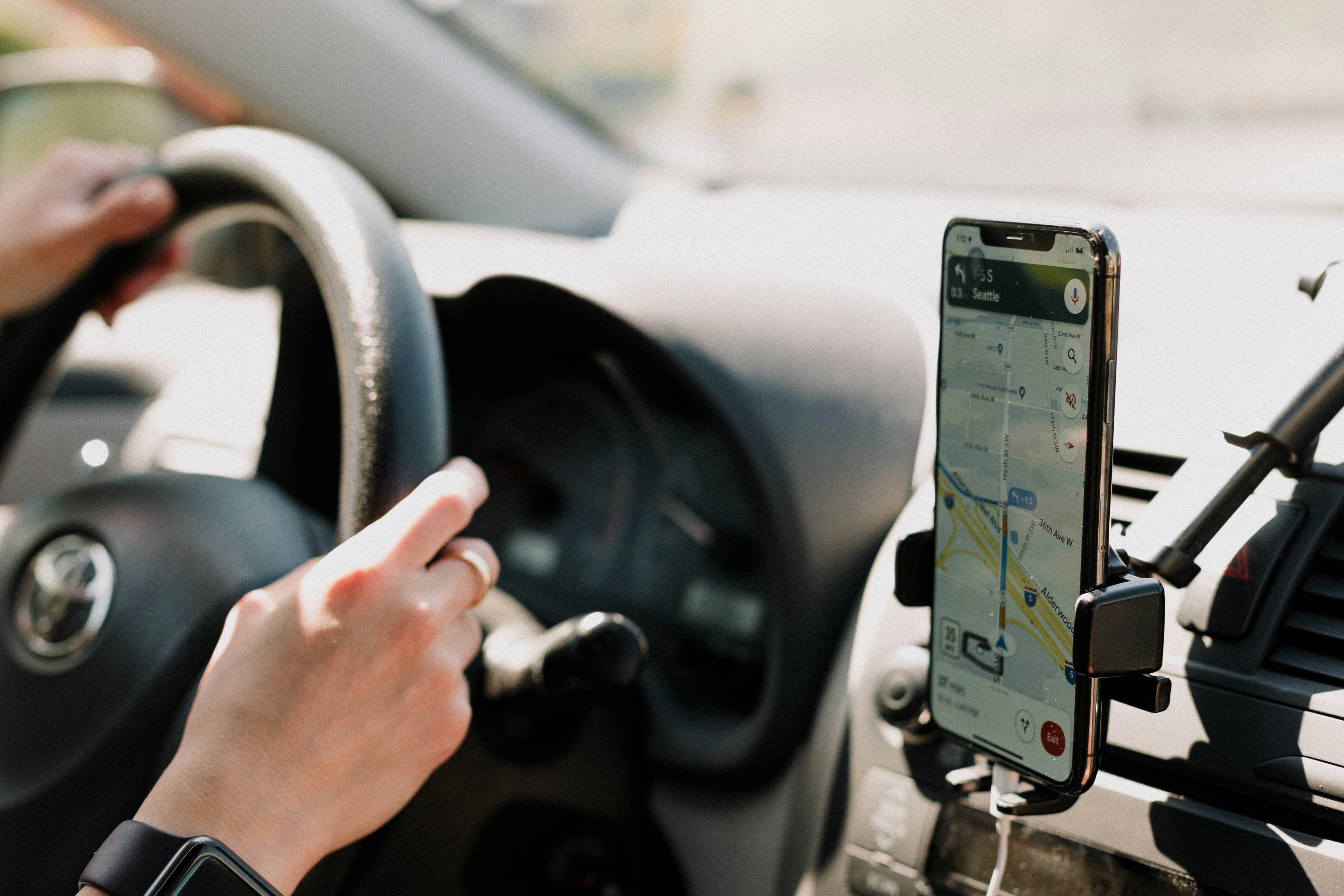
A Sıla Yolu eSIM is a digital SIM that keeps you connected throughout your journey from your home country in Europe to Türkiye. It installs into your phone as software, with no physical card to insert, so your line keeps working at border crossings, rest stops along the way, and the moment you arrive in Türkiye.
Unlike a traditional SIM, you buy an eSIM entirely online — no shipping, no store visit. A few minutes after payment, your plan is ready to use.
Why Choose a Sıla Yolu eSIM?
- No roaming surprises: You won’t pay steep roaming fees as you cross different countries; you know the plan price up front.
- Instant delivery: Your QR code arrives by email within seconds of payment.
- Keep your own number: Use the eSIM as a secondary line and keep your number for WhatsApp and calls.
- One plan, many countries: It is designed to cover the homeland route, so you don’t swap lines at the border.
- Nothing to lose: Everything lives inside your phone — no physical card to misplace.
Does Your Phone Support eSIM?
Before you buy, make sure your device supports eSIM. A quick check:
- Open your phone’s Settings.
- On iPhone go to Cellular → Add eSIM; on Android check SIM Manager / Connections.
- If you see “Add eSIM” or “Add mobile plan,” your device is compatible.
Alternatively, dial *#06#: if an EID number appears, your phone supports eSIM. In general, iPhone XS and newer, Google Pixel 3 and newer, and Samsung Galaxy S20 and newer are compatible.
Note: Your device must be carrier-unlocked. eSIM cannot be installed on locked phones.
How to Buy a Sıla Yolu eSIM (Step by Step)
Step 1 — Choose a plan
Go to the Sıla Yolu or Türkiye eSIM plans page on Telsimo. Pick the plan that best fits your trip length and data needs.
Step 2 — Add to cart
Add the plan to your cart. At checkout, double-check the email address where the QR code will be sent.
Step 3 — Complete payment
Pay on the secure checkout page. Once done, your order confirmation appears on screen.
Step 4 — Receive your QR code
After payment, your setup details and QR code arrive by email. Keep that email until setup is finished.
eSIM Setup and Activation
Once your QR code arrives, setup takes only a few minutes:
- Open the eSIM / Add mobile plan section in your phone’s Settings.
- Choose Scan QR code and point the camera at the code in your email.
- Follow the on-screen steps to add the plan.
- Name the eSIM line (e.g. “Türkiye Travel”) and turn on data roaming for it.
Tip: Set up before you travel, while you have internet. Whether activation starts at setup or on first connection depends on the plan — check the activation note in the plan details.
Frequently Asked Questions
When does the Sıla Yolu eSIM activate?
Activation timing depends on the plan you buy. Most plans activate the first time you connect to a local network. You’ll find the detail in the plan description.
Can I keep using my own number?
Yes. Add the eSIM as a secondary line and keep your existing SIM, so your number stays available for WhatsApp and calls.
What if I run out of data?
When your allowance is used up, buy a new plan to continue. Whether you can top up on the same profile depends on the plan type.
Can I use it on more than one device?
No. Each eSIM profile installs on a single device. But you can share the connection with other devices via your phone’s personal hotspot.
I deleted the QR code — what now?
Find the QR email again or contact customer support. Once setup is complete, you no longer need the QR code.
In Short
With a Sıla Yolu eSIM you buy the plan online before you leave, scan the QR code from your email, turn on data roaming, and stay connected throughout your trip. The whole process takes minutes, with no physical card to wait for.